

TL;DR:
- Proper understanding of coupon types and store policies is essential for effective redemption.
- Preparation involves verifying expiration, matching items, and organizing coupons before shopping.
- Using digital coupons and apps streamlines savings, while stacking strategies maximize discounts.
You're standing at the checkout with a stack of coupons, the line is growing behind you, and the cashier is already reaching out. Sound familiar? Millions of shoppers lose real savings every week not because they lack coupons, but because they don't know the rules for redeeming them. A mismatched item, an expired barcode, or a missed digital clip can wipe out your entire discount in seconds. The good news is that mastering in-store coupon redemption is not complicated. With the right prep and a clear process, families and bargain hunters can consistently save big on groceries, dining, and everyday local purchases.
Table of Contents
- Know your coupon types and store policies
- Gather your coupons and prepare before shopping
- Redeem coupons at checkout: Step-by-step
- Troubleshooting: Why coupons get rejected and what to do
- Stacking and advanced techniques for bigger savings
- What most coupon guides won't tell you
- Ready to save more? Try the easiest way to find and use in-store coupons
- Frequently asked questions
Key Takeaways
| Point | Details |
|---|---|
| Know your policies | Every store sets unique coupon rules and knowing them helps you avoid rejection at checkout. |
| Prepare in advance | Sort, check, and organize your coupons before shopping for the best chance of savings success. |
| Redeem with confidence | Hand paper coupons to the cashier first and scan loyalty accounts early for digital deals. |
| Troubleshoot calmly | If a coupon is denied, politely ask for a manager or check the rules instead of giving up on your savings. |
| Stack smart for value | Use allowed combinations—like manufacturer plus store coupons—to unlock the biggest discounts. |
Know your coupon types and store policies
Before you ever walk into a store, you need to understand what kind of coupon you're holding and what rules govern its use. There are two main types: paper coupons and digital coupons. Paper coupons are physical clippings or printouts you hand to a cashier. Digital coupons live in a store's app or loyalty account and apply automatically when your card or phone number is scanned.
The standard mechanics for paper coupons require you to present them before the transaction closes, and they must match the exact item in your cart. For digital coupons, you load them to your loyalty account or app beforehand, and they apply automatically at checkout when your loyalty card or phone number is scanned first.
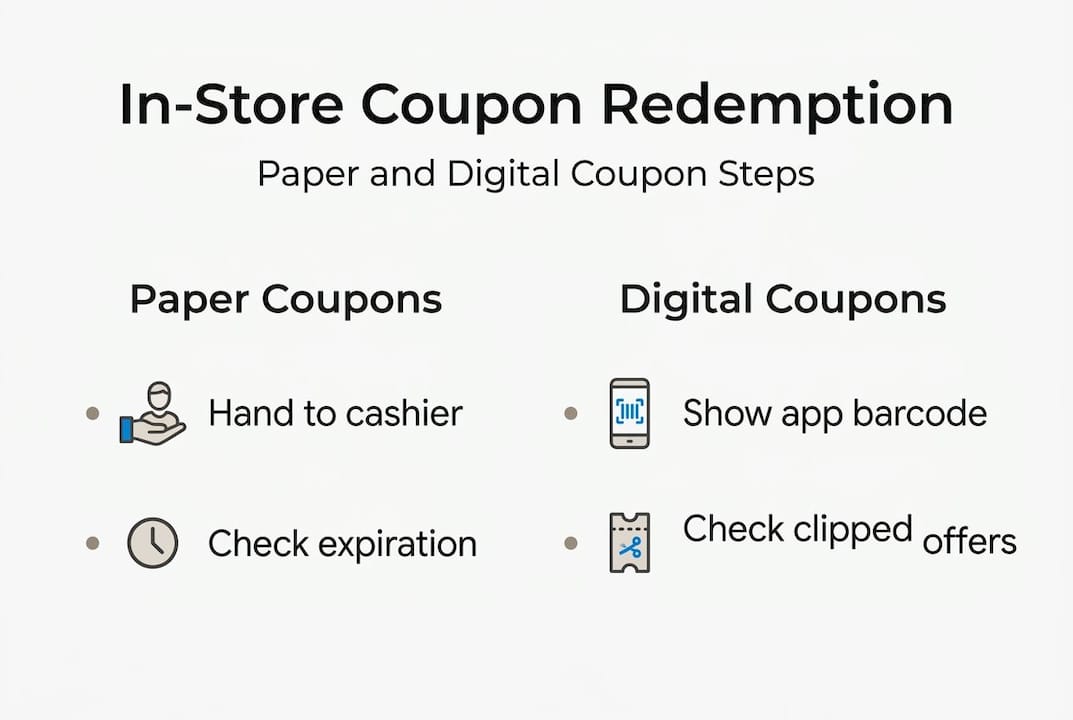
Store policies vary widely. Walmart accepts manufacturer coupons and store coupons but has strict quantity limits. Target allows stacking of manufacturer and Target-specific coupons in certain cases. Kroger's digital coupon system is tightly integrated with its loyalty card. Albertsons and Safeway operate similarly, requiring app or card linkage for digital deals. Understanding these digital coupon benefits can help you decide which format to prioritize.
| Coupon type | How to redeem | Key requirement |
|---|---|---|
| Paper manufacturer | Hand to cashier before payment | Must match exact product |
| Paper store | Hand to cashier before payment | Store-issued, location specific |
| Digital loyalty | Scan loyalty card or phone number | Must be clipped to account first |
| App-based offer | Open app at checkout or pre-load | Requires app login and item match |
Policies can also change by location, even within the same chain. A Walmart in one city may enforce quantity limits differently than one across town. These coupon strategies for local deals can help you adapt to store-specific rules.
Pro Tip: Always read the store's coupon policy online before your trip. Most major retailers post their full policy on their website, and it takes less than two minutes to review.
Gather your coupons and prepare before shopping
Preparation is where most successful couponers separate themselves from frustrated ones. The work you do at home directly determines how smoothly things go at checkout. Start by sorting your coupons into two groups: paper and digital. Then organize each group by store.
For paper coupons, check every single one against this list before you leave the house:
- Expiration date: Even one day past the date means rejection.
- Exact brand and item match: The size, variety, and quantity must match what's on the shelf.
- Barcode readability: Blurry or damaged barcodes will not scan correctly.
- Terms and exclusions: Many coupons exclude trial sizes or specific flavors.
- Quantity limits: Note how many you can use per transaction.
For digital coupons, confirm they are clipped to your account, check the expiration, and verify the item is in stock at your location. The standard mechanics for paper coupons also apply to printed versions, so treat any printout with the same scrutiny you'd give a clipping.

| Item to verify | Paper coupon | Digital coupon |
|---|---|---|
| Expiration date | Check printed date | Check app or account |
| Item match | Compare to product label | Confirm item is in cart |
| Barcode condition | Inspect for damage or blur | N/A (auto-applied) |
| Account linkage | N/A | Confirm clip status |
| Quantity limit | Read fine print | Check offer details |
These best-value coupon tips go deeper into how to spot the highest-value offers before you even clip them. For families eating out, reviewing dining coupon examples can reveal just how much you can save with a little advance planning.
Pro Tip: Group your paper coupons by store section, produce, dairy, frozen, and so on. This saves time mid-shop and keeps you from fumbling at the register.
Redeem coupons at checkout: Step-by-step
You've done the prep work. Now it's time to execute. Follow these steps in order for a smooth, confident checkout experience.
- Inform the cashier early. Before items are scanned, let the cashier know you have coupons. This sets expectations and avoids mid-transaction confusion.
- Load your loyalty card first. For digital coupons, give the cashier your loyalty card or phone number before any items are scanned. This ensures digital offers are active and ready to apply.
- Hand over paper coupons. Hand physical coupons to the cashier before finalizing the purchase, making sure each one matches an exact item in your cart.
- Separate manufacturer from store coupons. Keep them in two distinct groups so the cashier can process them correctly. Mixing them up can cause system errors.
- Watch the screen. Monitor the register display as each coupon scans. If a discount doesn't appear, flag it immediately rather than waiting until the end.
- Verify your receipt. For digital coupons, check your receipt for a code like 'ecpn' that confirms the discount was applied. If it's missing, visit customer service before leaving.
Coupons must scan and match the product exactly. Blurry, altered, or expired coupons will be rejected at the register, regardless of the discount amount.
For restaurant visits, these restaurant coupon strategies and tips on using restaurant coupons walk you through the nuances of dining-specific offers.
Pro Tip: If you're using multiple coupons, organize them in the order items will be scanned. This keeps the line moving and reduces errors.
Troubleshooting: Why coupons get rejected and what to do
Even careful shoppers run into rejections. Knowing why it happens makes it far less stressful when it does. Here are the most common reasons a coupon gets denied:
- Expired: The most common reason. No exceptions at most stores.
- Wrong item: The coupon is for a different size, brand, or variety than what's in your cart.
- Altered or damaged: A barcode that's been marked on, torn, or printed poorly will not scan.
- Exceeded quantity limit: Going over the allowed number per transaction triggers an automatic block.
- Improper stacking: Trying to use two manufacturer coupons on one item is not permitted at most retailers.
Blurry or altered coupons are rejected and expired coupons are invalid, with no exceptions at Target or most national chains. Stacking rules vary widely: Walmart allows a manufacturer coupon combined with a sale price, but not two manufacturer coupons on one item.
If your coupon is rejected and you believe it's valid, stay calm and politely ask for a manager. Final discretion on coupon acceptance often rests with store management.
If a coupon is denied, ask the cashier for a clear explanation. Most issues can be resolved at the customer service desk. If not, try another location or save the coupon for a future trip. This coupon expiration guide explains grace periods and policy nuances, and these neighborhood coupon savings tips can help you find better local offers that are easier to redeem.
Stacking and advanced techniques for bigger savings
Once you're comfortable with the basics, stacking is where the real savings multiply. Stacking means combining more than one discount on a single purchase. Not every store allows it, but when they do, the results are significant.
Here are the most effective stacking strategies:
- Manufacturer coupon plus store coupon. Many retailers allow one of each on a single item. This is the most common and reliable stacking method.
- Sale price plus coupon. Buy an item already on sale, then apply a coupon on top. This is universally permitted and often yields the biggest discounts.
- App rebate after purchase. After using a coupon at checkout, submit your receipt to a rebate app like Ibotta for an additional cashback reward.
- Loyalty points plus coupon. Some stores let you earn points on a purchase even when a coupon is applied, effectively giving you a double benefit.
Stat to know: Walmart limits 4 identical coupons per household per day, and there is no overage, meaning you will not receive cash back if a coupon exceeds the item price.
Advanced couponers also time their shopping around store sale cycles, typically weekly resets on Wednesdays or Thursdays, to stack coupons with the deepest sale prices. Knowing when a store rotates its deals is as valuable as the coupon itself. Explore how using coupon platforms can automate much of this research for you.
What most coupon guides won't tell you
Here's the honest truth: the biggest coupon wins don't come from chasing every available deal. They come from consistently prepping a small set of coupons that match what you actually buy. Most frustrated couponers are overwhelmed because they're trying to use too many offers at once rather than mastering a focused, repeatable routine.
Stores and brands push loyalty apps and digital coupons for a reason. Digital offers are smoother, faster, and far less likely to be rejected than paper. If you're still relying exclusively on paper clippings, you're adding friction to a process that doesn't need it.
Families who focus on local dining and entertainment coupons often see surprisingly large savings per outing, sometimes 30 to 50 percent off a single meal or activity. These wins feel bigger because they're tied to experiences, not just grocery items. These proven coupon strategies reflect what consistent savers actually do versus what guides typically recommend.
What separates stress-free couponers from frustrated ones isn't how much time they spend. It's that they prepare realistically, know their stores, and don't expect every coupon to work every time.
Ready to save more? Try the easiest way to find and use in-store coupons
If you want to take the guesswork out of coupon prep, there's a fast way to start maximizing your savings. Clipp connects you with curated local coupons for dining, entertainment, wellness, and more, all organized for easy in-store redemption. No more sorting through stacks of paper or hunting across multiple apps.
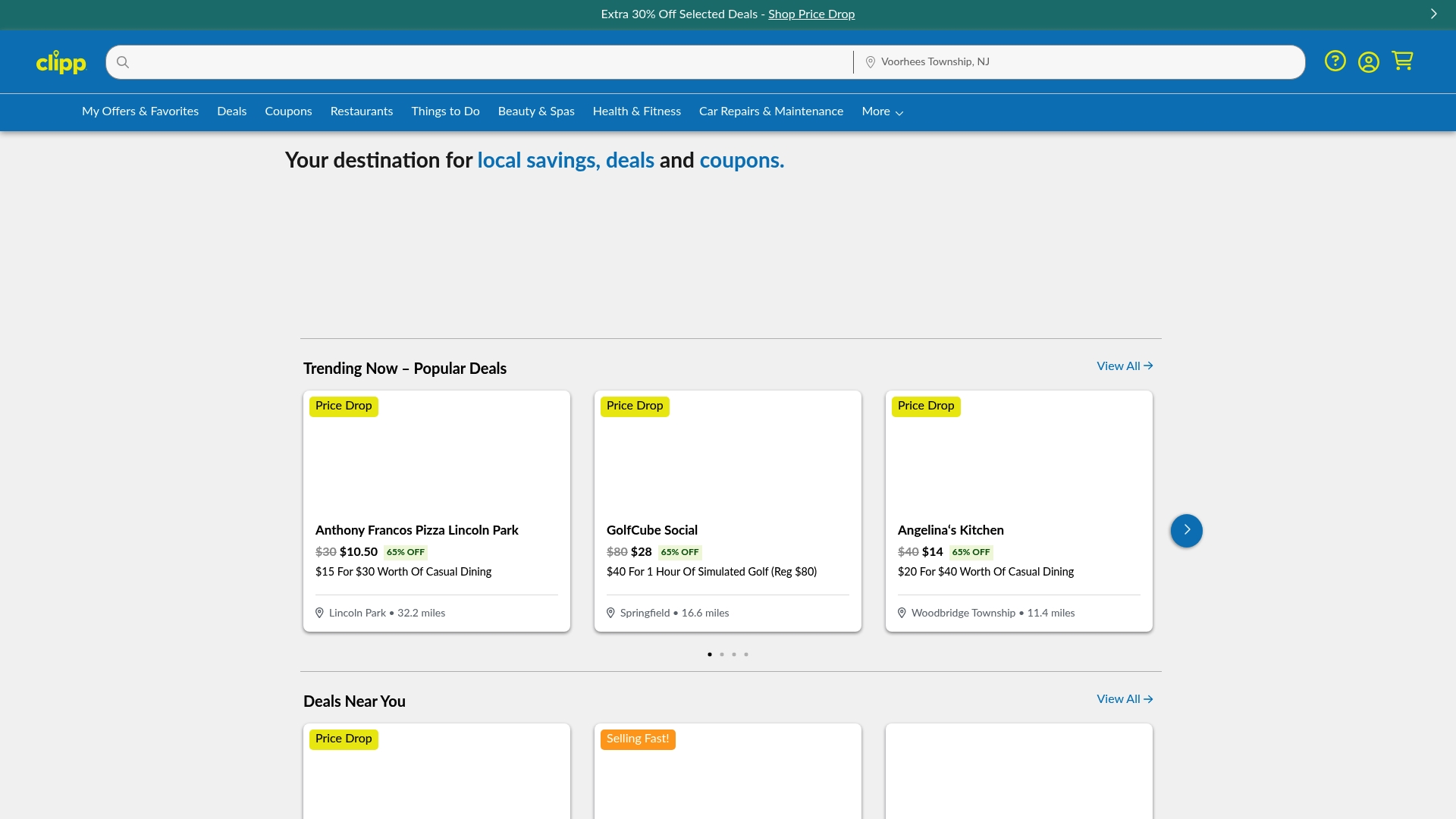
With the Clipp mobile app, you can browse, clip, and carry your coupons right from your phone, making checkout faster and more confident. Whether you're planning a family dinner or a weekend outing, you can find current deals near you and start saving today. The best savings are already waiting in your neighborhood.
Frequently asked questions
Can I use digital and paper coupons together in-store?
Some stores let you stack digital and paper coupons if they are for different types, such as a manufacturer coupon plus a store coupon, but stacking rules vary by retailer, so always check the policy before combining.
Why was my in-store coupon rejected even though it scanned?
Coupons can be denied if they're expired, altered, for the wrong item, or exceed quantity limits, even if the barcode scans, because blurry or altered coupons and expired offers are flagged at the system level.
How do I know my digital coupon was accepted at checkout?
Check your receipt for a digital coupon code such as 'ecpn' on your receipt, which confirms the discount was applied, or verify the line-item discount before completing payment.
Do taxes and fees count before or after applying coupons?
Taxes are applied to your total after all coupons and discounts have been used at checkout, so your taxes apply post-discount and are calculated on the reduced price.